LOOK: How Finance YouTubers Are Getting Pro-Level Thumbnails for ~$0.08 Per Generation in Under Ten Minutes
Ex-Engineer Turned YouTuber Discovers How to Create Pro Thumbnails for ~$0.08 Per Generation Using "AI Tethering"
A simple system called "AI Tethering" lets finance YouTubers skip the Canva grind, ditch the $50 freelancer, and get a pro-grade thumbnail done in 15 minutes... for less than a quarter.
6 real examples · 9 total generations · 27 minutes total · ~$0.71 in AI costs
One-time. No subscription. Instant access.
Real Results. Zero Photoshop.
6 finance thumbnails. Built with "AI Tethering".
9 generations. 6 final thumbnails. 27 minutes total. ~$0.71 in AI costs. Zero retries.
27 min
Total Time
9
Generations
6
Thumbnails
~$0.71
Total AI Cost
0
Retries
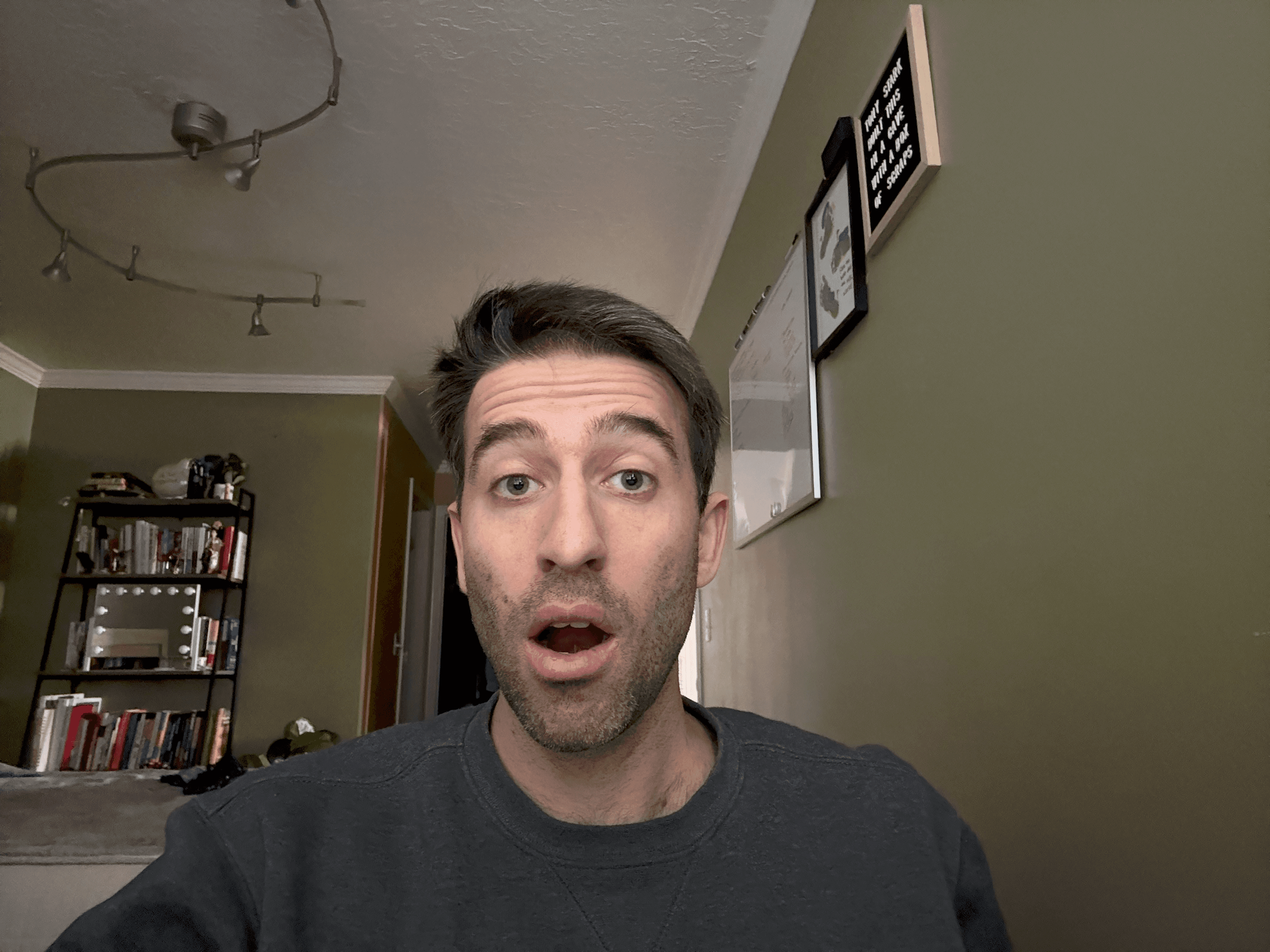
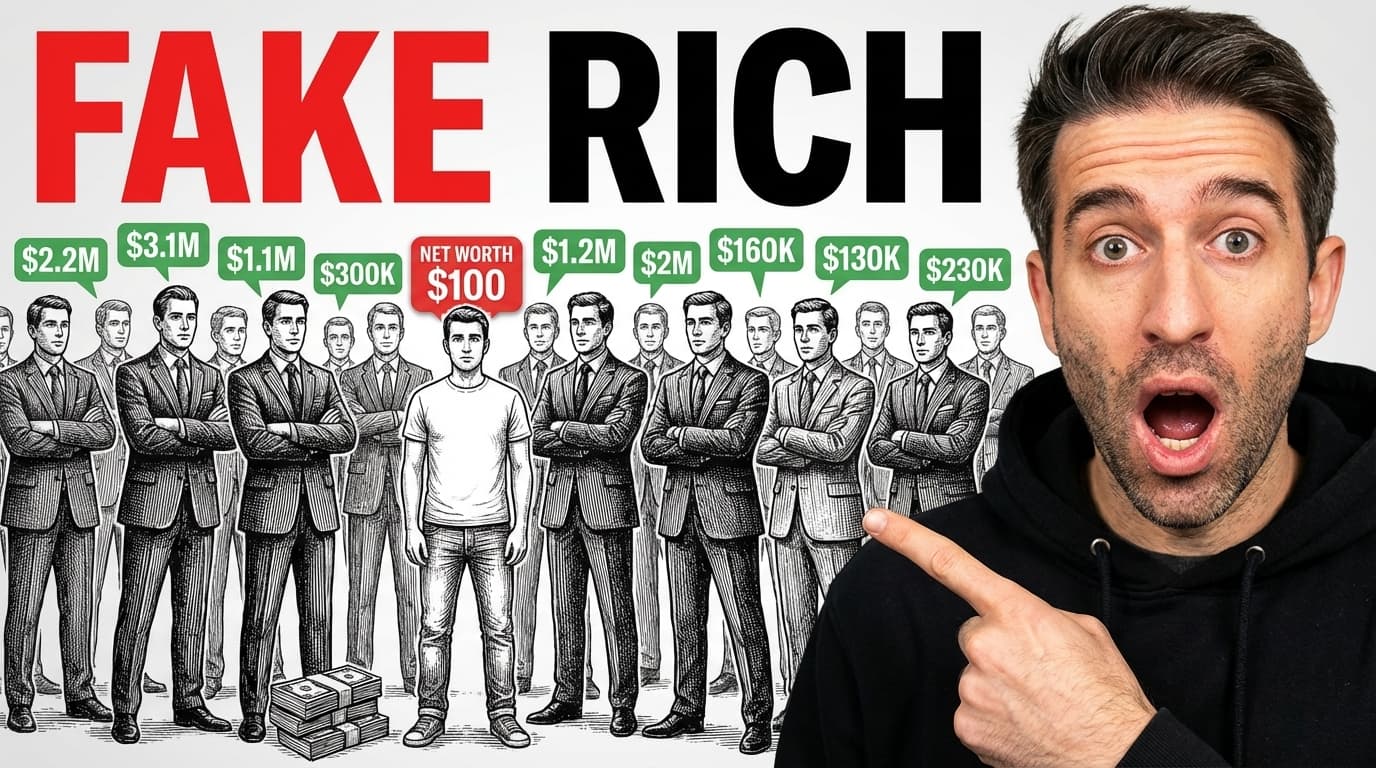
"Fake Rich"
Single send, one output
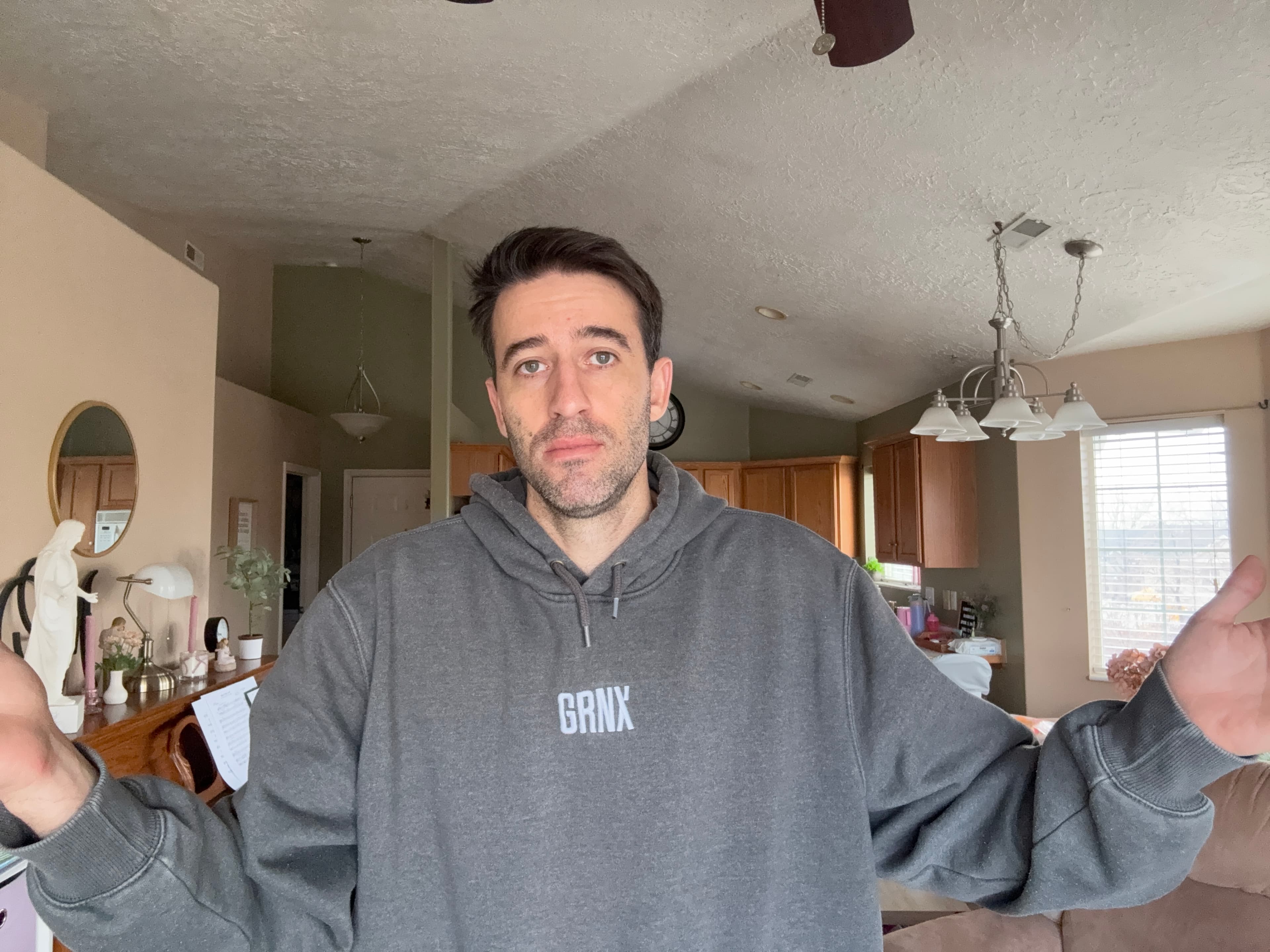
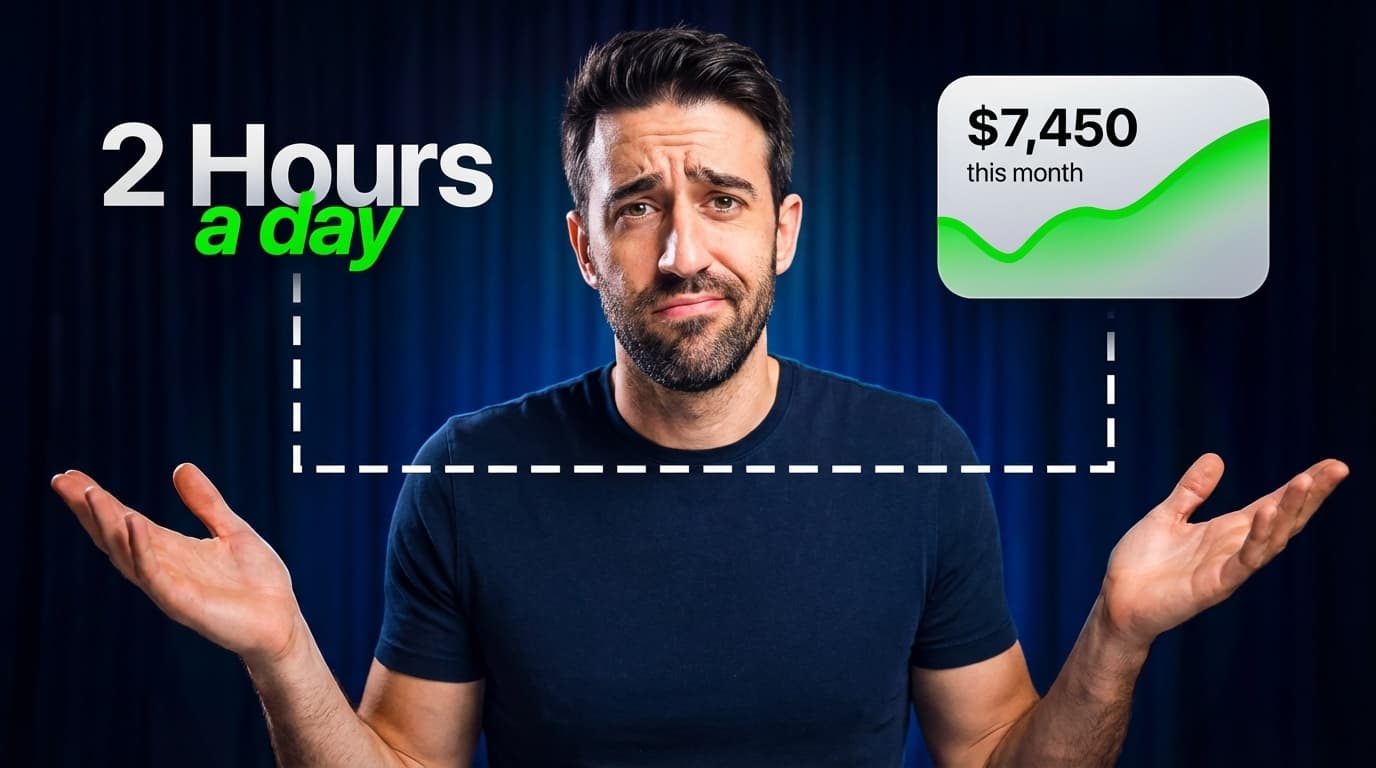
"2 Hours a Day"
Single send, one output
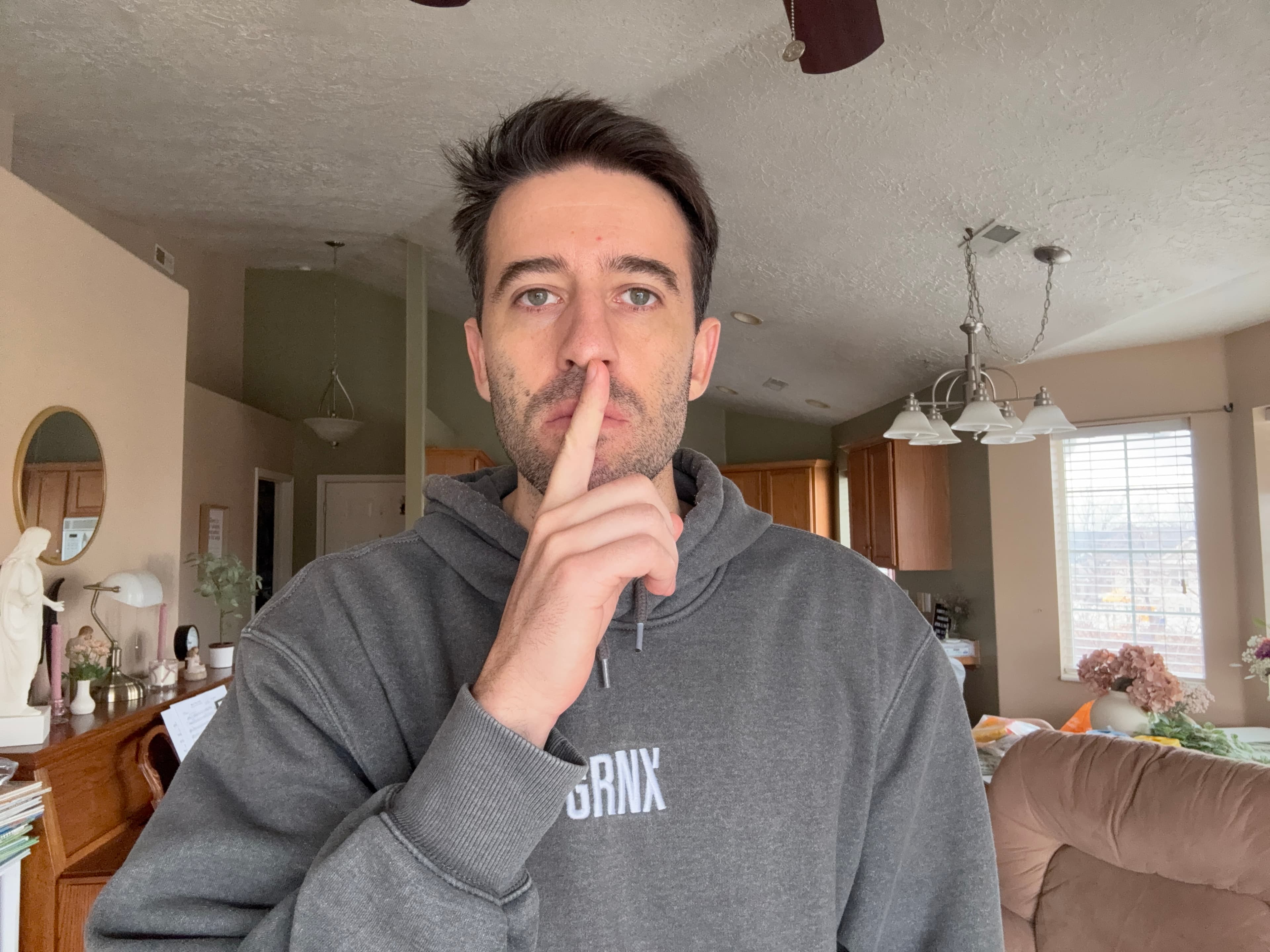
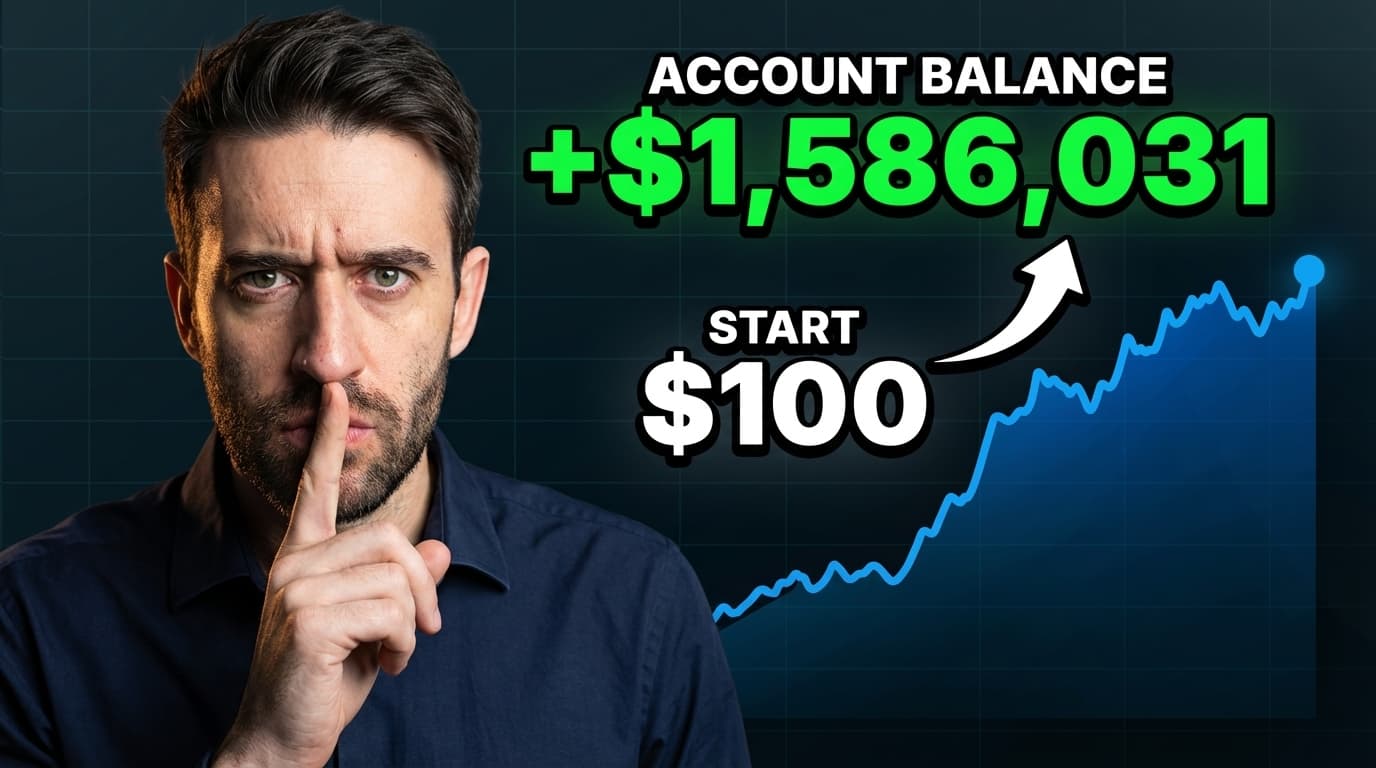
"Account Balance +$1.5M"
2 variations returned, picked favorite
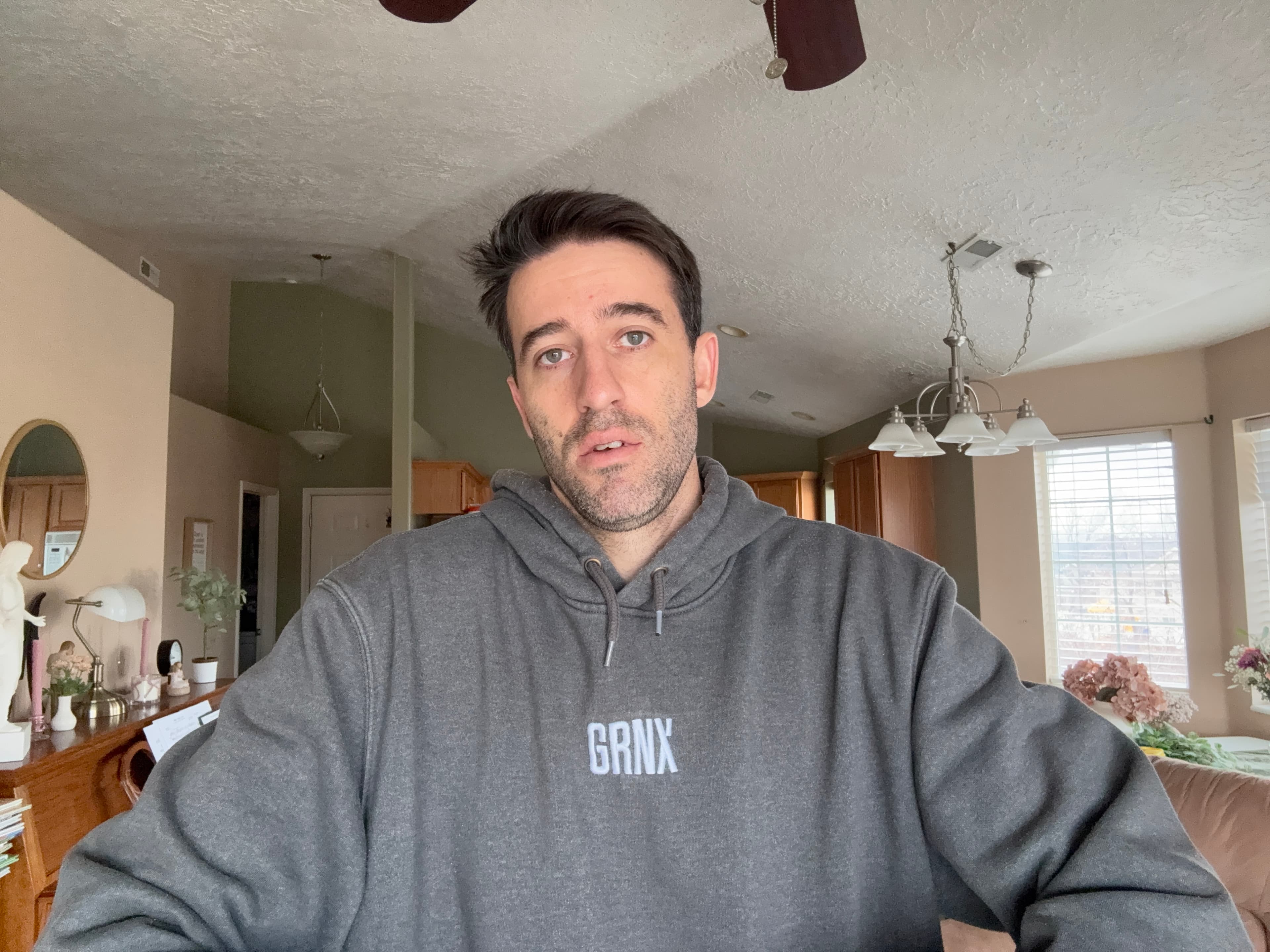
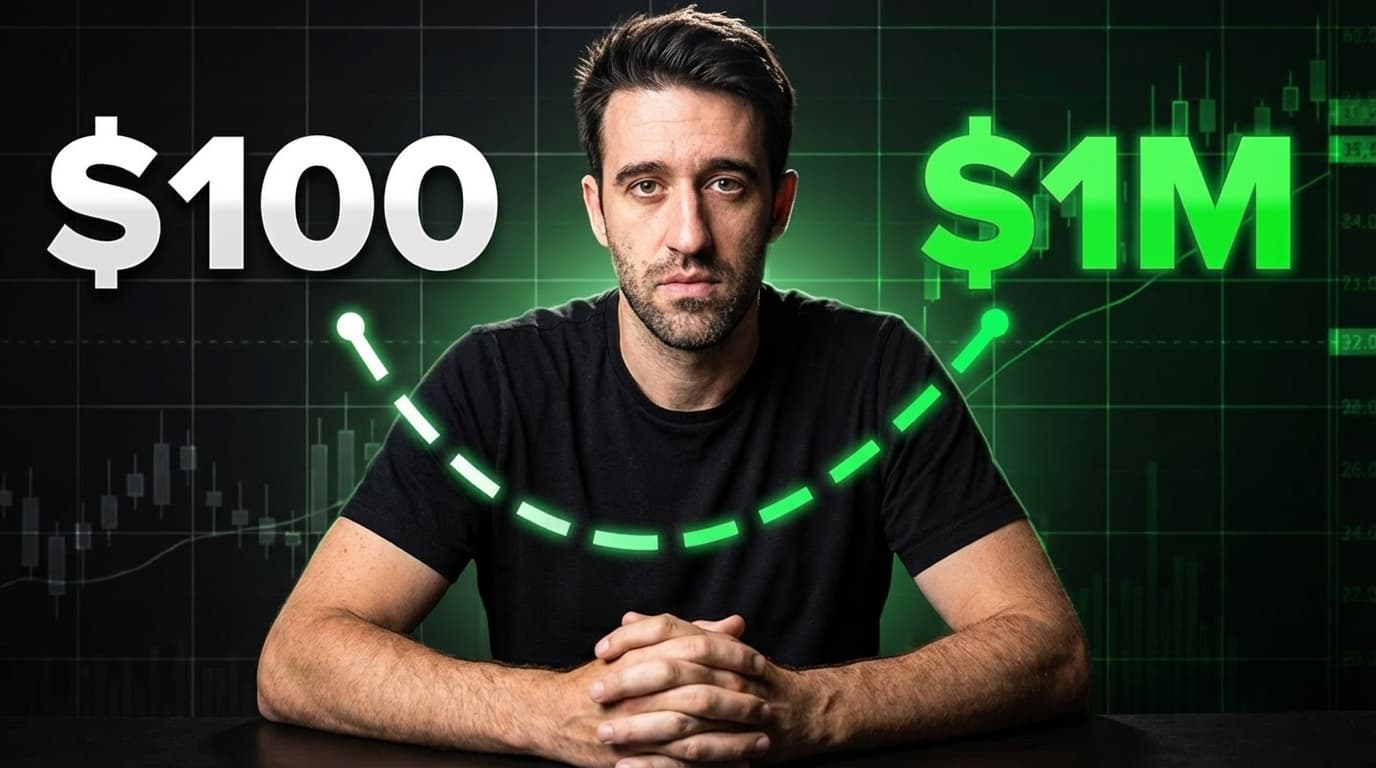
"$100 → $1M"
2 variations requested upfront
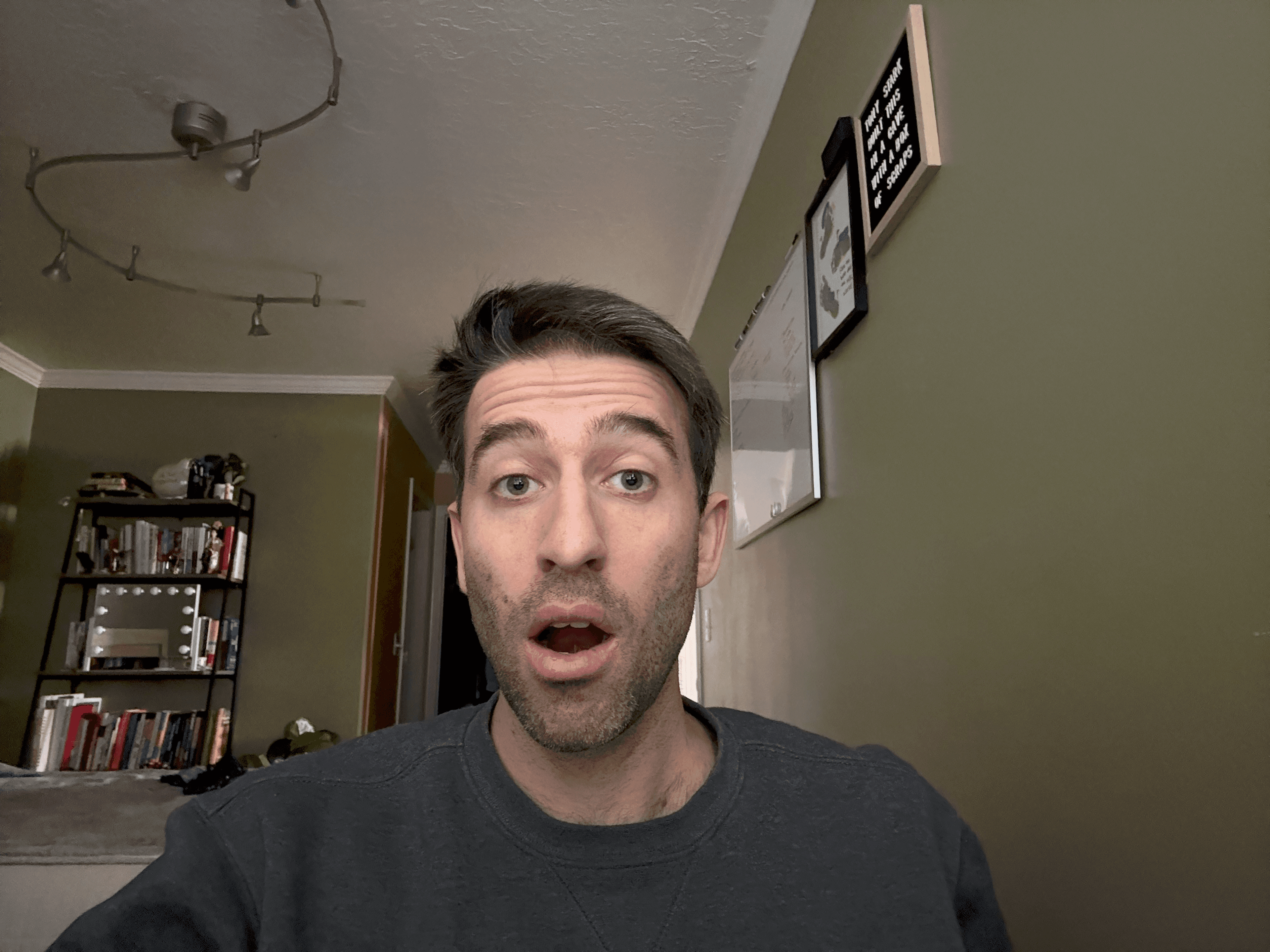
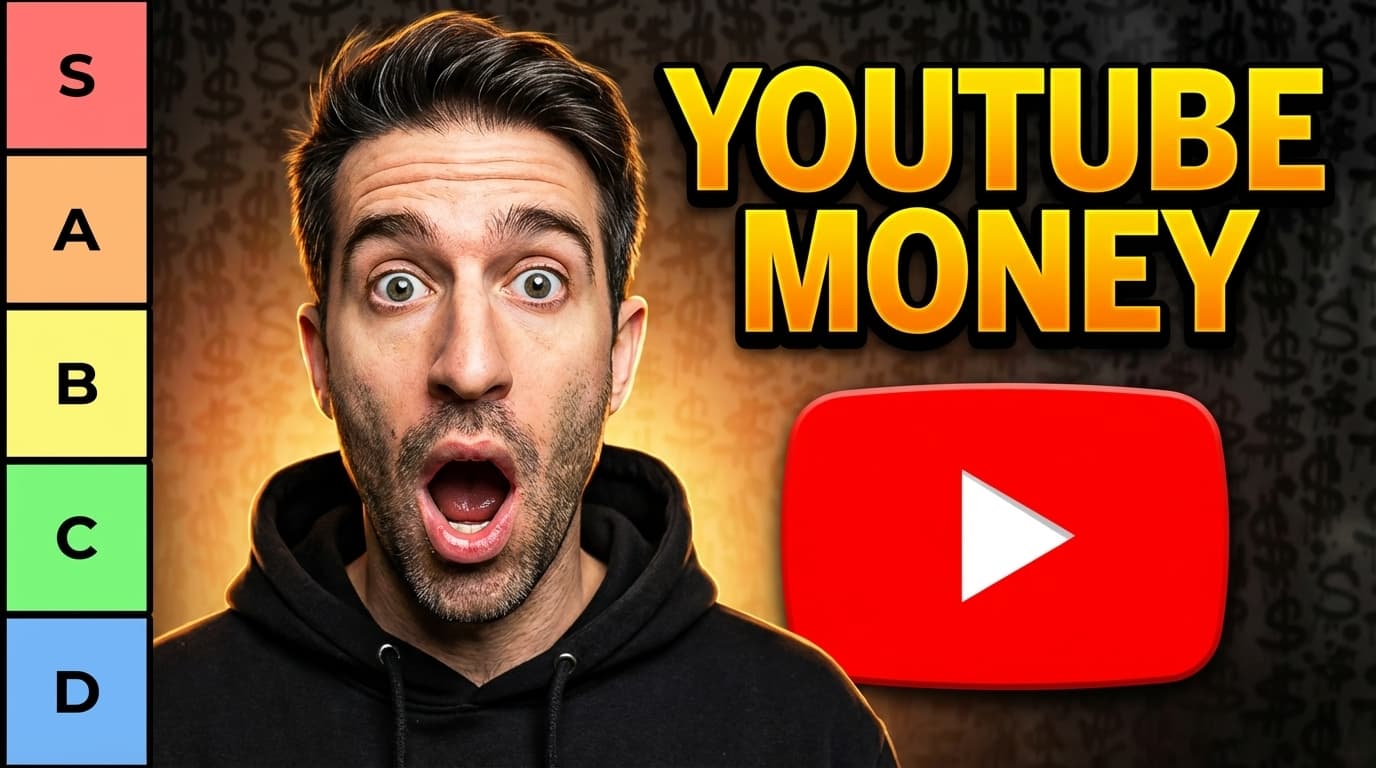
"YouTube Money Tier List"
2 variations returned, picked favorite
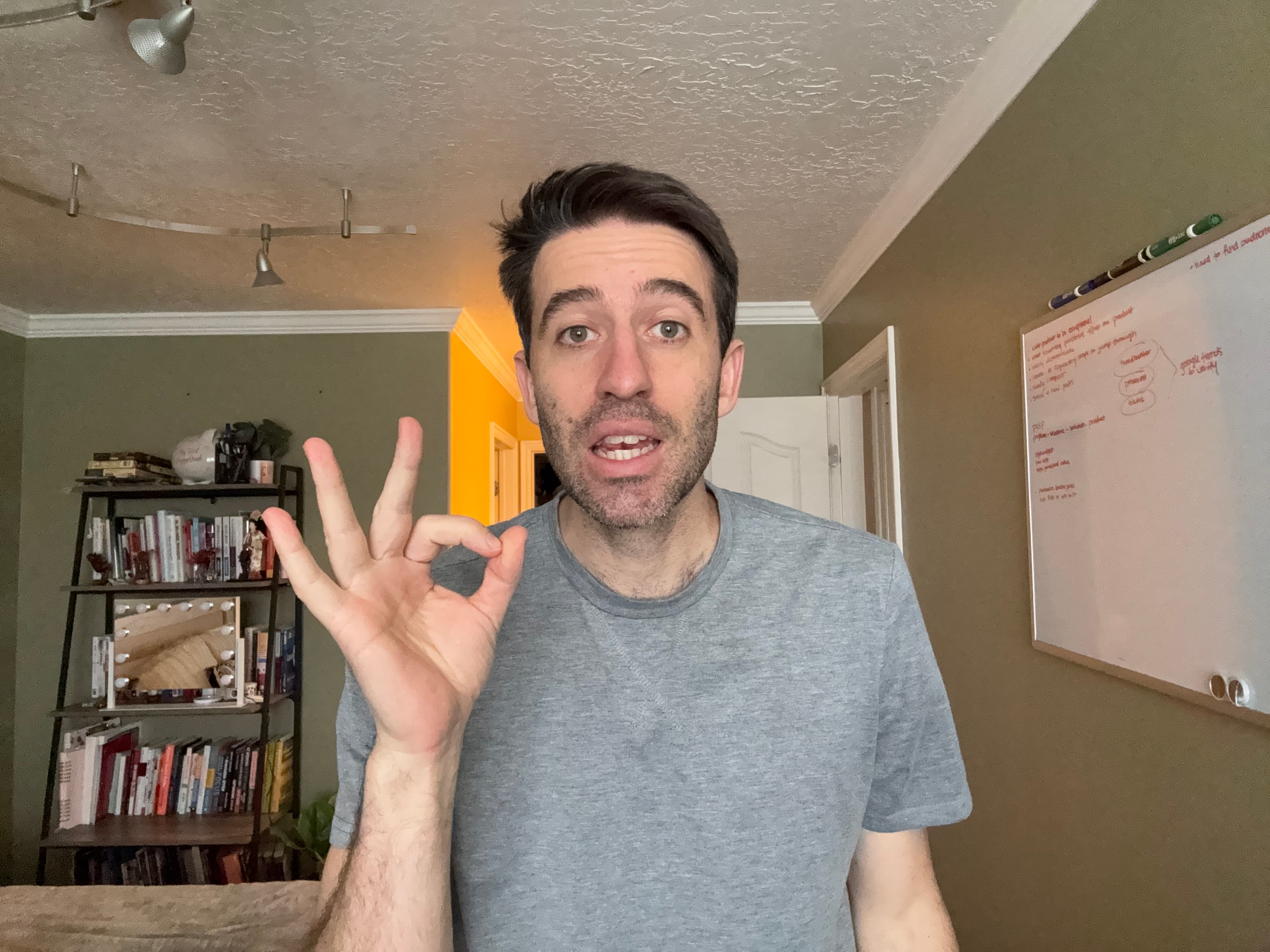
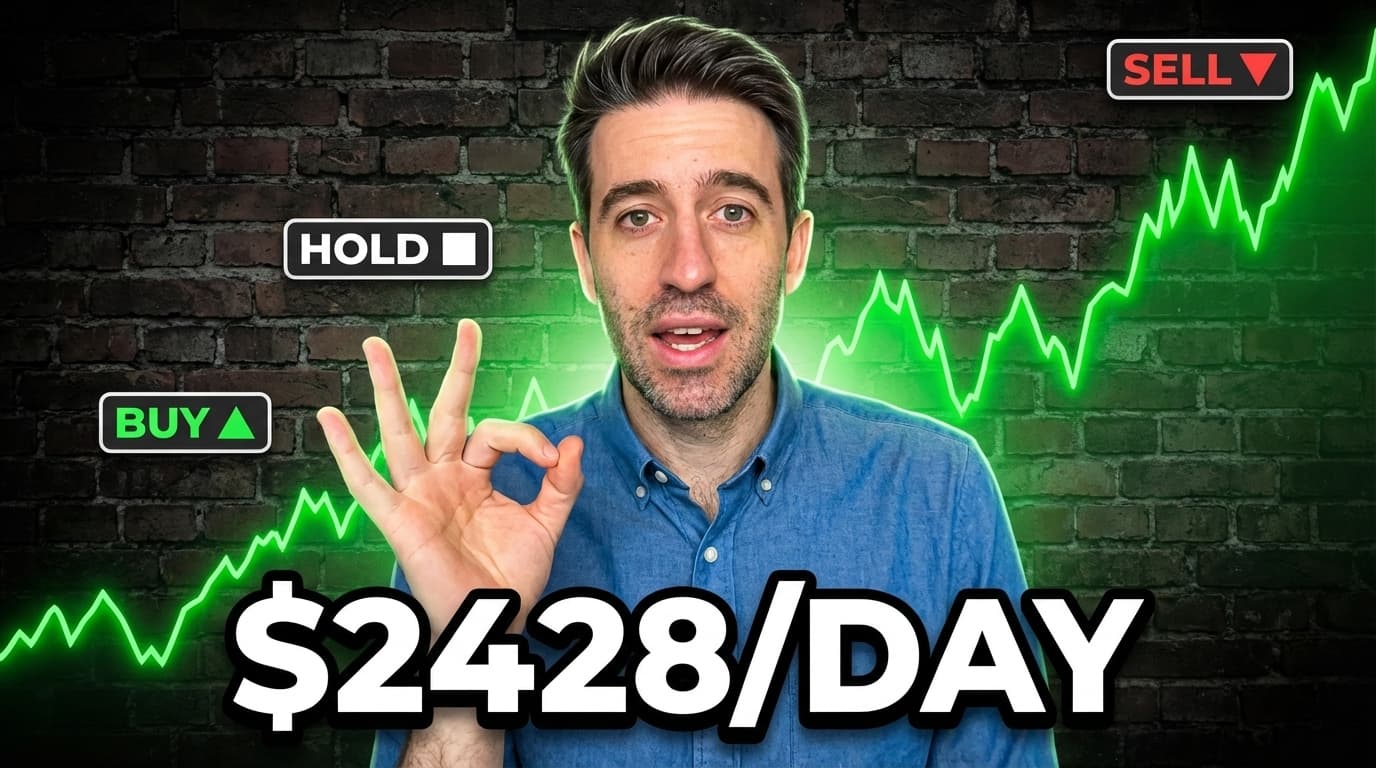
"$68K/Month Investing in Stocks"
Single send, one output
Generated using "AI Tethering".
The Real Problem
The problems I faced with AI thumbnail generators.
The promise sounded right to me. Skip the designer. Skip the learning curve. Type what I want, get a professional result in seconds.
The reality was different.
Every tool I tried was built around a text field. I'd type something like “finance YouTuber, shocked expression, stock market background” and it would do the one thing it was built to do: generate an image.
That part worked. Everything else is where they fell short — unless I already knew how to write the kind of long, precise, technically specific prompt I'd never written in my life.
Here's where they consistently struggled:
Understanding my creative vision without a highly detailed brief I had to write myself
Capturing my face and likeness — it generated a person, just not me
Modelling a style from a reference thumbnail I loved without complex prompt engineering
Translating my intent into the exact language its own model needed to perform well
Reviewing the output with me — if it missed, I started over from scratch
So I gave up on AI and fell back on the only two options I'd ever known. Both of them were a dead end.
I was always hitting the same two dead ends.
Every time the AI tool missed, I'd end up in one of two places. Neither of them worked.
Need two for a proper A/B test — that's $100–$200 minimum
No guarantee they understand what makes a finance thumbnail work
Half of them run your selfie through AI anyway and pocket the margin
Back-and-forth revisions, timezone gaps, miscommunication
Your upload schedule slips while you wait on someone else
Times two if you're A/B testing — there goes your afternoon
You're not a designer and the output looks like it
Finance thumbnails are highly produced — you have nothing to benchmark against
You agonise over every element, post something you're not proud of
Hours of your week gone. Every single week.
Three options. All of them broken in different ways. There had to be something else.
What This Actually Looks Like
I imagined a world where this didn't have to be so hard.
What if instead of opening a tool, I opened a conversation — not a blank canvas, not a prompt field, not a brief I had to write alone.
I told it what the video was about.
I took a quick selfie — the exact expression I wanted. Dragged it in.
I grabbed a screenshot of a thumbnail I loved and dragged that in. It looked at it with me and asked what to take from it.
A few more questions — background, text, lighting. One at a time. None of them hard.
It read everything back. Confirmed. Asked if I was ready.
A thumbnail landed on my Desktop. My face. My style. My text. Background slightly too dark — I said so. It adjusted. Just that.
Done.
Just a thumbnail that looked like I made it on purpose — because something finally had everything it needed to make it right.
I had a mechanical engineering degree and seven programming languages I'd taught myself over seven years. I'd spent my career solving hard problems with systems. So I did what engineers do — I stopped tolerating the pain and built something that made it go away.
This is where "AI Tethering" was born.
Honestly? I was surprised. The AI wave was moving so fast — new models every few months, tools launching every week — and yet nobody had actually solved this. Not properly. Not in a way that replaced all the things a real designer does.
So I waited. I told myself it couldn't be long. Someone would figure it out. In the meantime I just kept tolerating the dead ends — the freelancers, the Canva spirals, the AI tools that gave me someone else's face on a generic background.
Weeks turned into months. I kept waiting. Nothing came.
I didn't want to build it myself. With a mechanical engineering background and a decade of building systems across seven programming languages, I had a pretty clear idea of what I was signing up for — and it wasn't a weekend project. But at some point I did the math: the pain of building it once was going to be less than the pain of doing thumbnails the broken way forever. So I bit the bullet.
I built it for me. Once it was working, sharing it was the obvious move — the hard part was already done.
Professional output built from a strategic brief — not a blank prompt
No designer, no back-and-forth, no waiting on anyone
No language barriers, no timezone delays, no revision loops
You own the process — run it any time, on any video
A/B test both variations for less than the cost of a coffee
Done before you'd even finish briefing a freelancer
The "AI Tethering" system requires NO:
No graphic design skills or Photoshop
No $50–$100 per-thumbnail Fiverr bill
No spending 3 hours staring at a blank Canva canvas
No 'AI Slop' that makes your channel look low-effort
No waiting on freelancers before you can publish
No complex prompt engineering experience
No guessing what thumbnail angle to use for finance topics
No expensive monthly software stack
The System
Here is exactly how the "AI Tethering" system works:
When you get access, I send you a complete kit. Everything is already built and connected. Two AI tools, a step-by-step setup guide, and a structured briefing system. You plug it in. Setup takes under 15 minutes.
 Claude
 Imagen 3 Pro
✓ Publish it.
Done. Under 20 minutes from start to finish.
Not quite right?
Tell Claude what to change in plain English. It can see the image. It fixes exactly what you point to — not the whole thing. Then Imagen generates again. Most thumbnails are done in one or two rounds.
↑ Back to Claude
How the cost works
No subscription. No monthly fee. No credit packs.
When you connect your Gemini API key — which takes minutes to set up — you connect straight to the AI that makes your thumbnails. I am not in the middle. There is no markup. You only pay when you create something. And it costs almost nothing when you do.
In my testing: 9 thumbnails — including all changes and variations — cost $0.71 total. That is less than 8 cents per thumbnail.
The first thumbnail takes under 30 minutes while you learn the flow. Every one after that: under 20 minutes.
Pricing — Full Picture
The $37 gets you in. Here is what it costs to run it.
There are two costs. They are completely separate. Here is exactly what each one covers.
Pay once — upfront
$37
The complete "AI Tethering" kit
Quick setup guide — from purchase to first thumbnail in under 15 minutes
The Claude skill files — pre-built AI instructions for every step
The MCP connection — lets Claude talk directly to Imagen 3 Pro
Lifetime license key — no subscription, no renewal
Pay per thumbnail — API cost only
~$0.08
Per thumbnail generated
You connect your own Gemini API key — takes minutes to set up
You pay Google directly — we are not in the middle
No subscription. No monthly fee. No markup.
You pay when you create. Nothing when you don't.
9 generations including all refinements cost ~$0.71 in our testing
What does that actually look like in practice?
How the running cost compares to what most creators are doing now:
Monthly estimates based on 8 thumbnails (2 uploads/week). Freelancer estimate uses low end of range.
Core Offer — $37
What's Included?
Everything you need to go from blank screen to finished thumbnail in under 20 minutes — starting today.
The "AI Tethering" system — the complete 4-stage workflow: guided briefing, expert translation, 4K generation, and conversational refinement
Quick setup guide — step-by-step from purchase to your first thumbnail in under 15 minutes
The Claude skill files — pre-built AI instructions that run every step of the system. Claude knows exactly what to ask, how to capture your vision, how to read a reference thumbnail, and how to build the expert prompt Imagen 3 Pro needs. The hard work is already done.
The MCP connection — the technical bridge that lets Claude send instructions directly to Imagen 3 Pro. This is what makes AI talking to AI possible. Without it, you would be copying and pasting between two separate tools and losing the intelligence that makes the system work.
Lifetime license key — one purchase, access forever. No subscription. No renewal.
Your Price
$37
One-time. Yours to keep.
What This Actually Changes
What changes when you stop doing it the hard way:
This system does not promise to change your channel overnight. What it does is remove the things that eat your time and replace them with time to focus on what actually matters.
What you stop dealing with
No more back-and-forth revisions with a designer over what you actually meant
No more gambling $50–$100 to find out a freelancer isn't right for your style
No more time zone delays waiting on overseas talent before you can publish
No more writing detailed creative briefs and hoping someone else understands your vision
No language barriers getting in the way of what you want
No Canva subscription
No Photoshop or design software to pay for
No design courses to take
No hours lost trying to build something from scratch with limited skills
What you get to focus on instead
Spend that time on creative direction — the thing that actually drives clicks
Update old underperforming thumbnails in a fraction of the time
Iterate faster — test more angles, try more ideas, move on when something doesn't work
More time on your video content, scripting, and storytelling
More time on your title, your hook, and your first five seconds
More focus on strategy. Less focus on execution you were never built for.
For context
MrBeast — the biggest creator on YouTube — spends around $10,000 per thumbnail and creates up to 20 variations for every upload. He says: “The title and thumbnail matters more than you think — tell yourself that ten times.”
The gap between the best creators and everyone else is not talent. It is attention — and where that attention goes. This system does not make your thumbnails better on its own. It frees up the time and headspace to make better decisions about them. That is the part that changes your channel.
My Promise
If it doesn't work for you, you pay nothing. And you keep everything.
Try the system. Follow the setup guide. Run it on a real thumbnail. If you don't get a result you are happy with, email me and I will refund every dollar — no questions asked. You do not even have to send the files back. Keep the system. Keep the setup guide. Keep the license key.
The Guarantee
Results or a full refund — and you keep the system either way.
If the system doesn't give you results you're satisfied with, email me at any point. I will refund you in full. No hoops. No return required. The risk is entirely mine.